
Scan, search, send
On iPhone, Android, Mac and the web
The DJ request app where you have the last word.
Song request app for DJs and live events
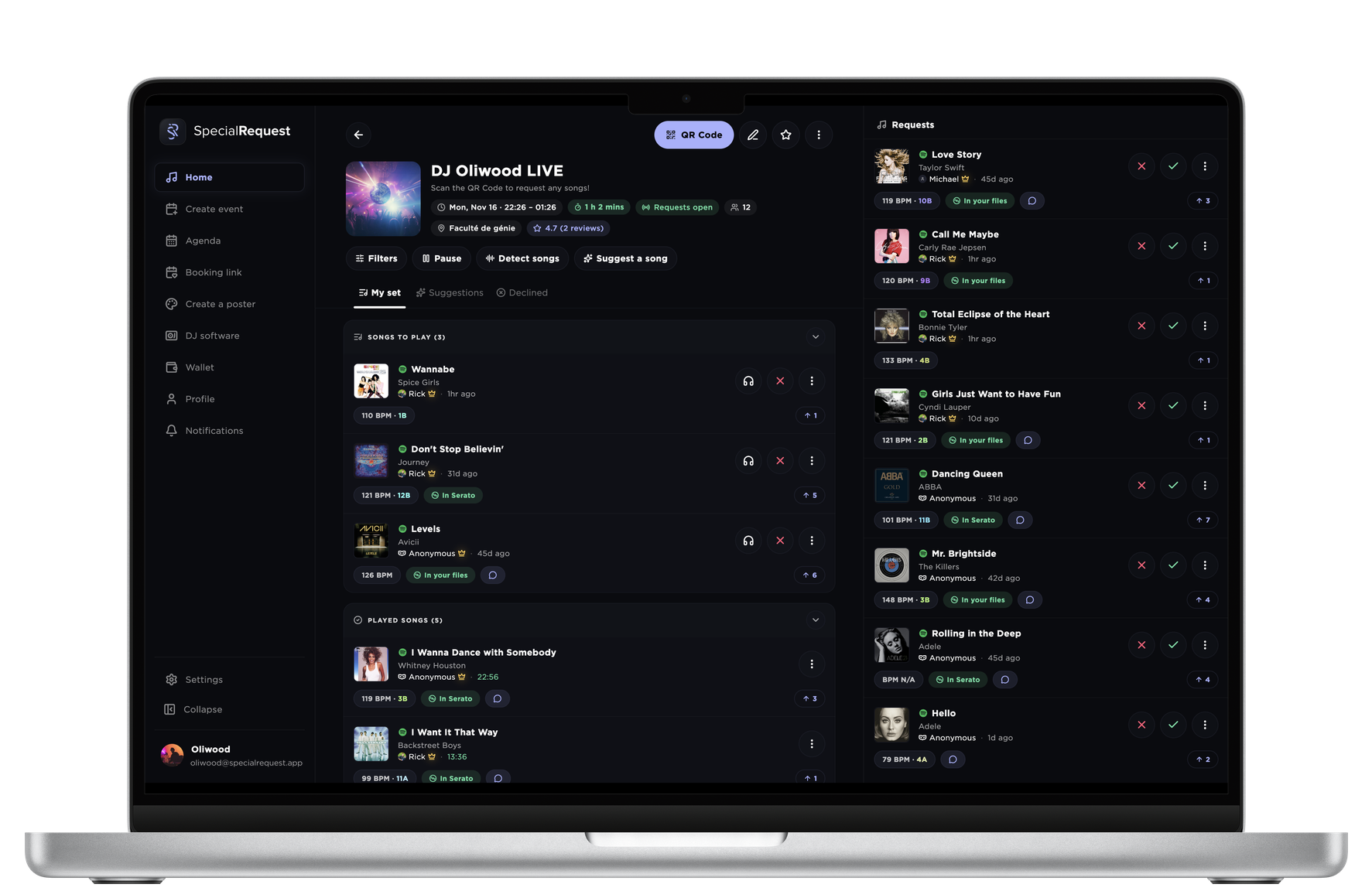
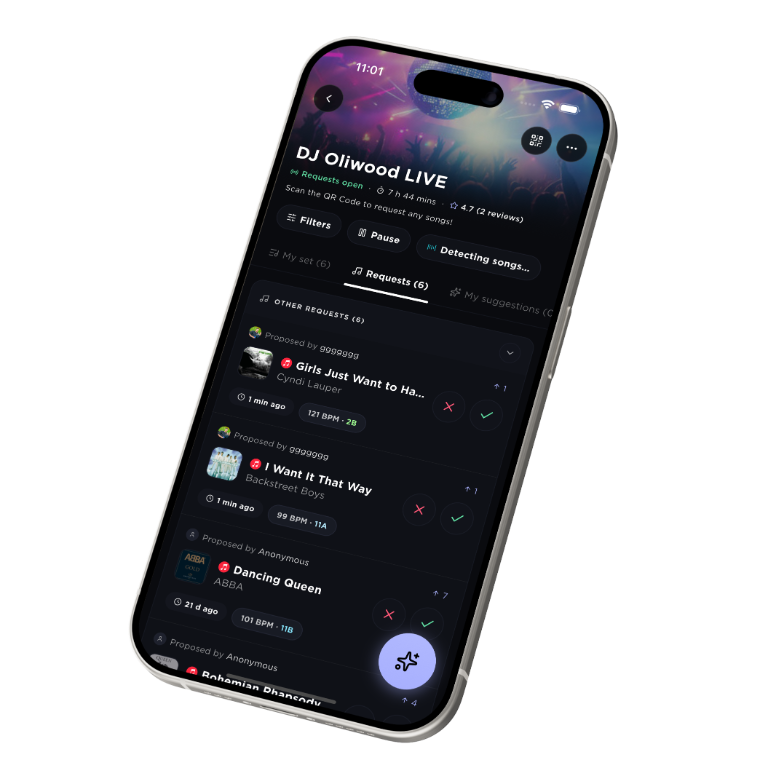
Guests ask for songs and vote from their phone, and nothing plays unless you say so. One tap says yes or no to each request, on your phone or your computer.
No app required for guests!












Built to fit your setup
Integrates with
your DJ tools
- Serato, rekordbox and VirtualDJ, in sync with your requests through a crate or a playlist, or by simple drag and drop
- Streaming, with playlists written to Apple Music, TIDAL and SoundCloud that open in Serato, rekordbox, djay and VirtualDJ
- Only songs from your own playlist, if you want
- Runs on Mac, iPhone, iPad, Android and the web
- And much more
From doors open to the last track.
Every request, on your terms.
- 01Before
One code for the whole room
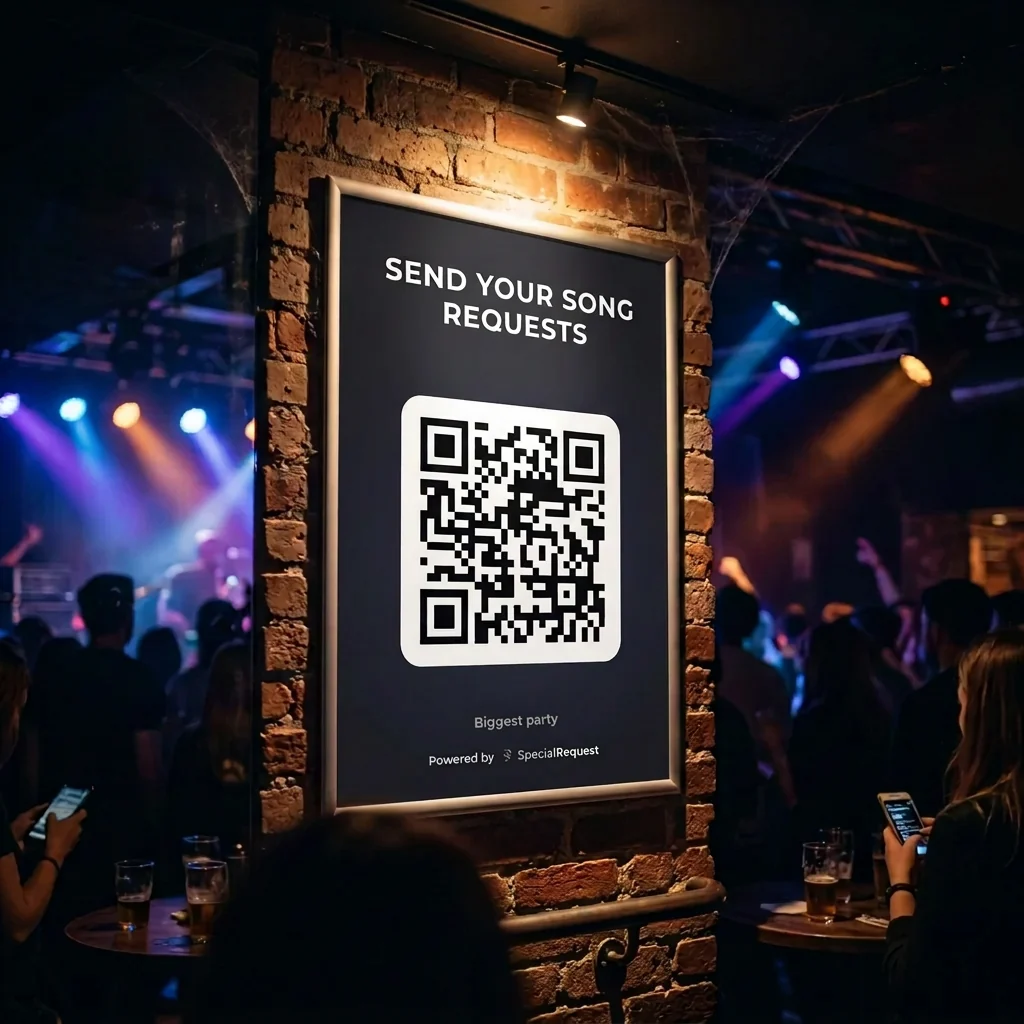
Create the event in a few minutes and put its QR code on the tables or on a screen. Guests open it on their phone without installing anything, and you set your limits before doors open.
- 02During
Every request, ready to mix
Requests arrive live with their votes and the name of who asked. With Premium each one also shows its BPM and its key, so you know where it fits before you say yes. Accept it and it joins your set, or decline it.
- 03After
What the room thought
After the night, guests can rate the atmosphere and the music and leave a comment. With Premium you read them all, and you know what to keep for the next gig.
How it works
From creating the event to getting your tips paid out, in a few steps.
Plan your night, section by section.
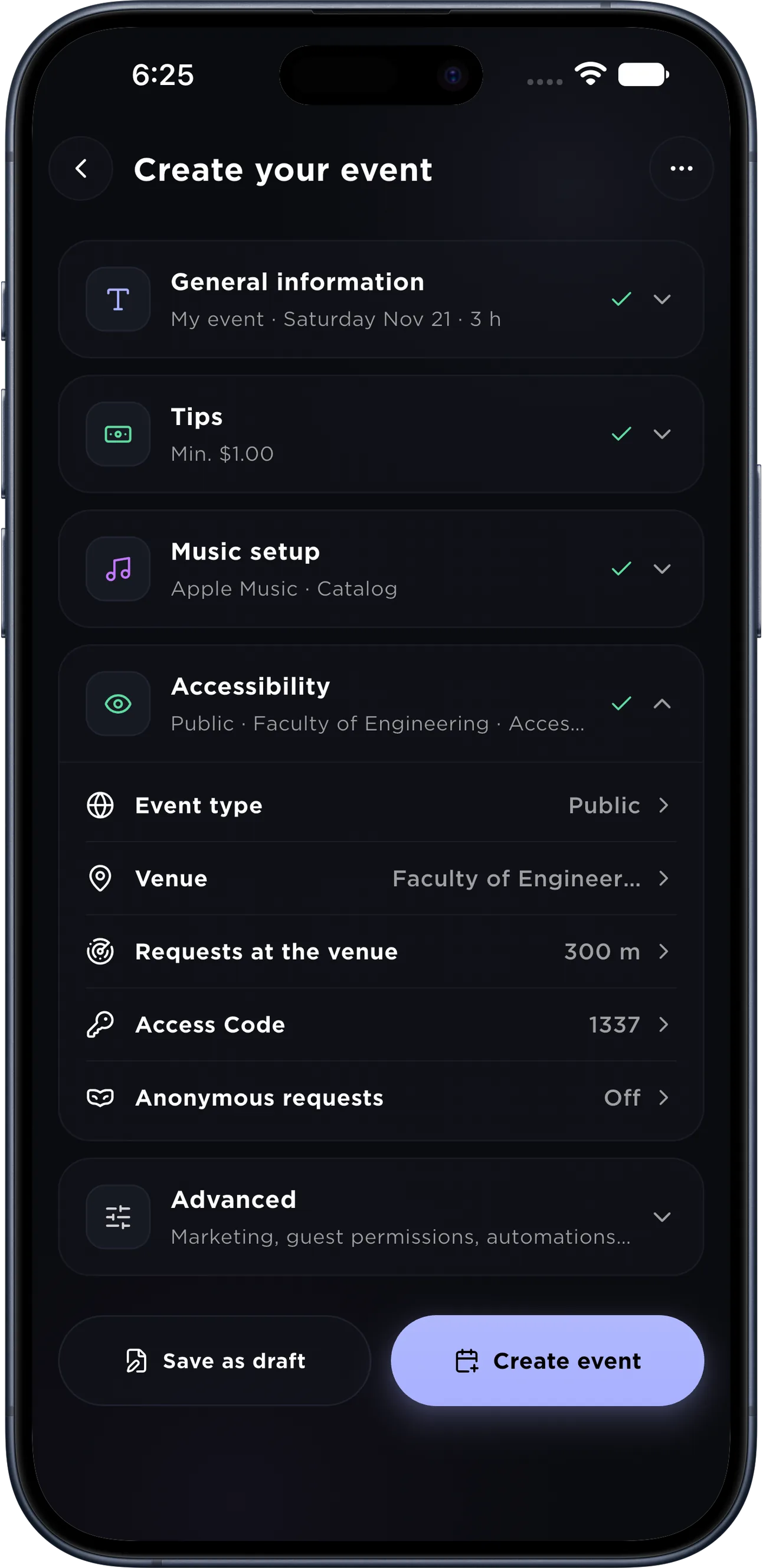
Name, picture, date, tips, access code, it all fits on one page. Open requests right away, or keep the event as a draft until the day.
Your event, in your colors.
Pick a color and a mood, add your logo, and your guests get the night in your style, in the app and on the web.
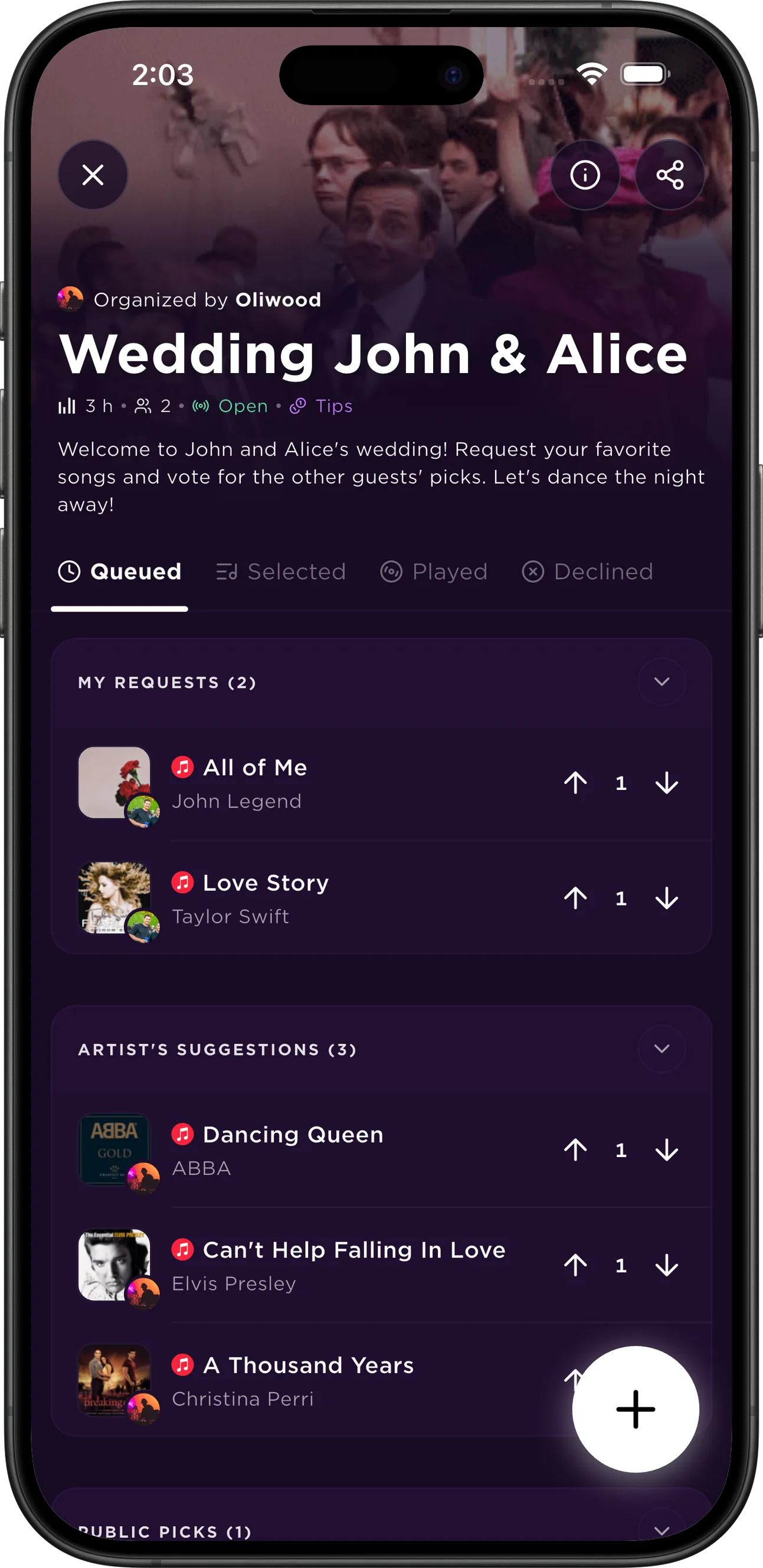
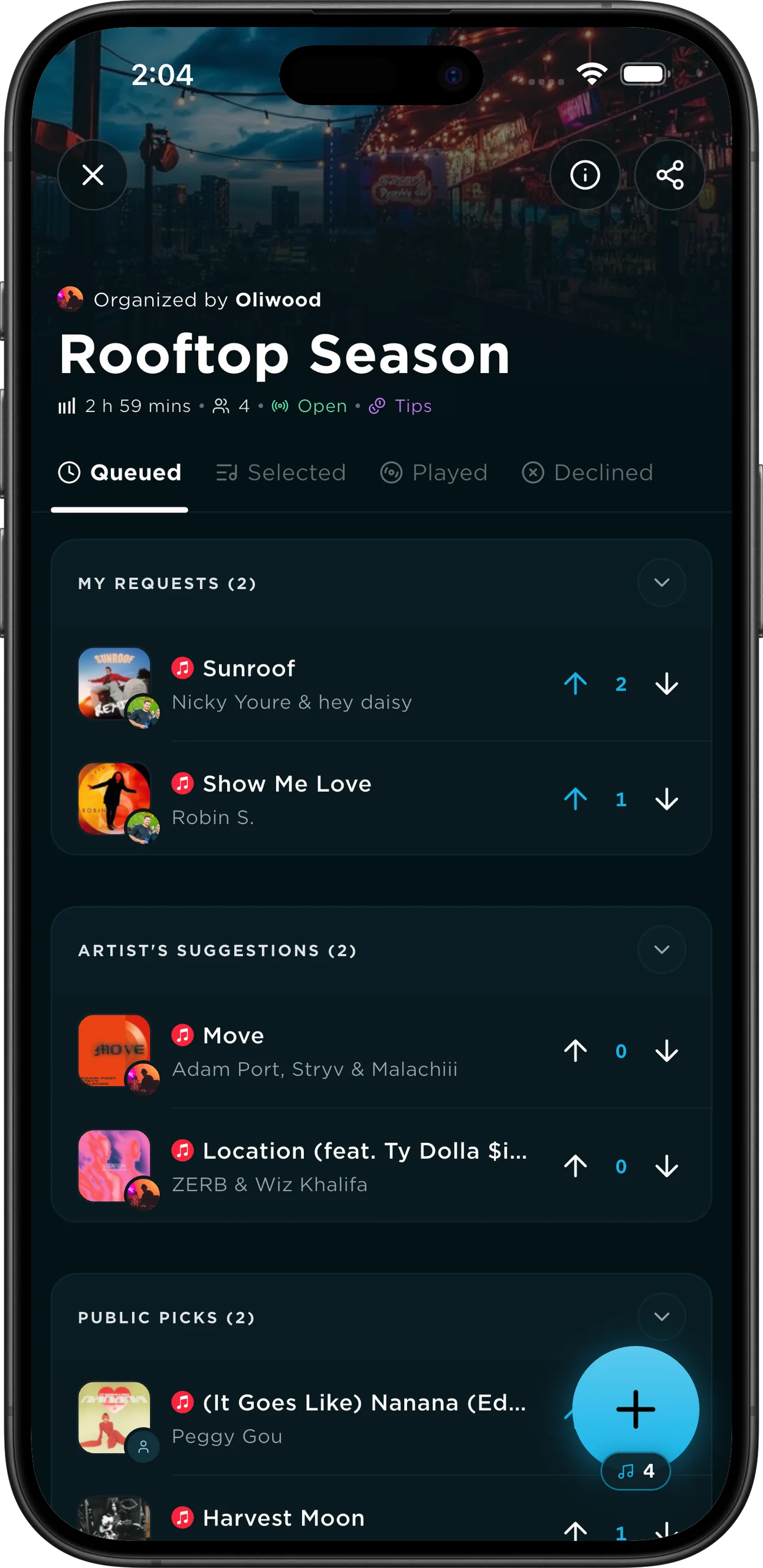
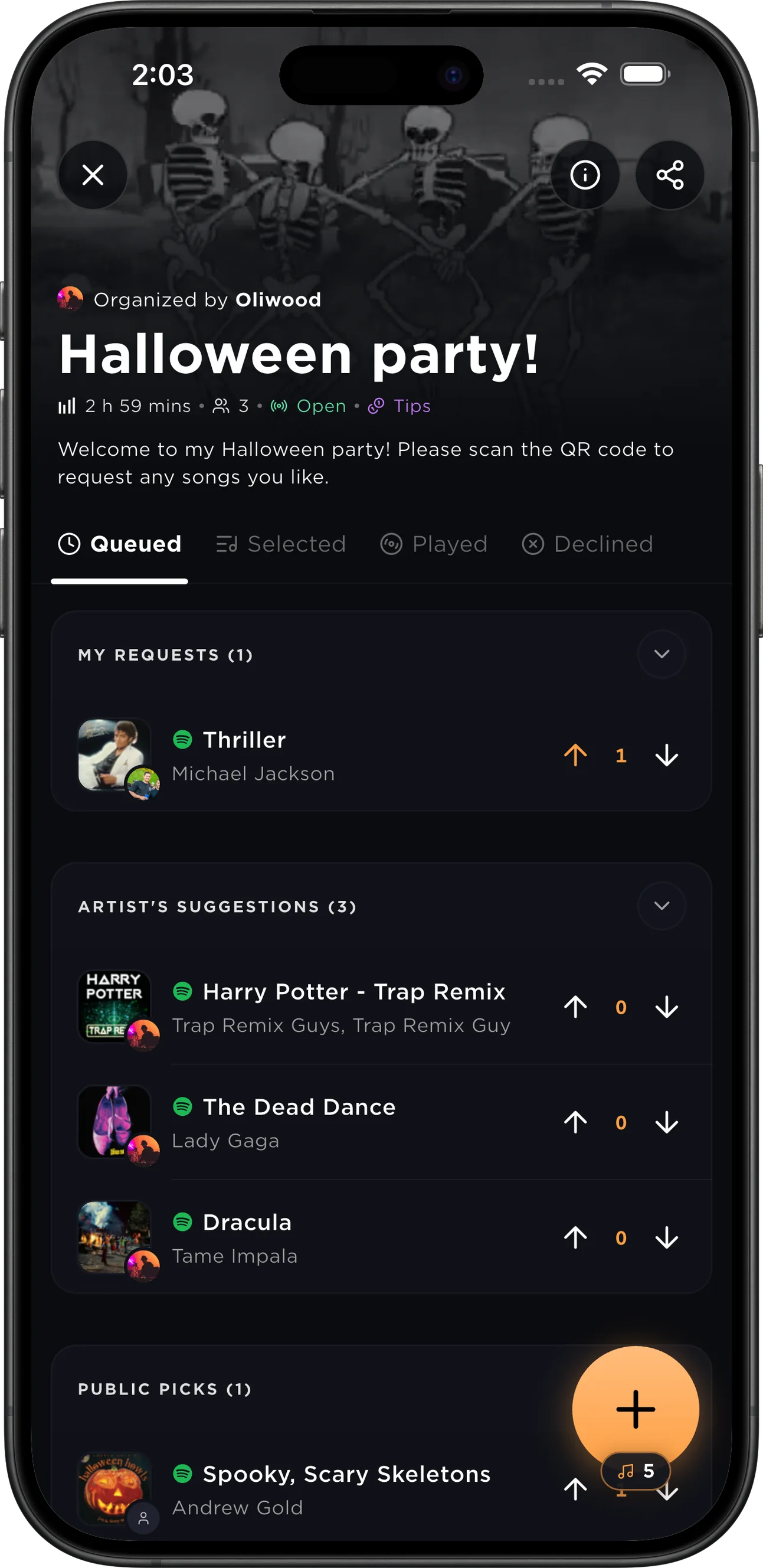
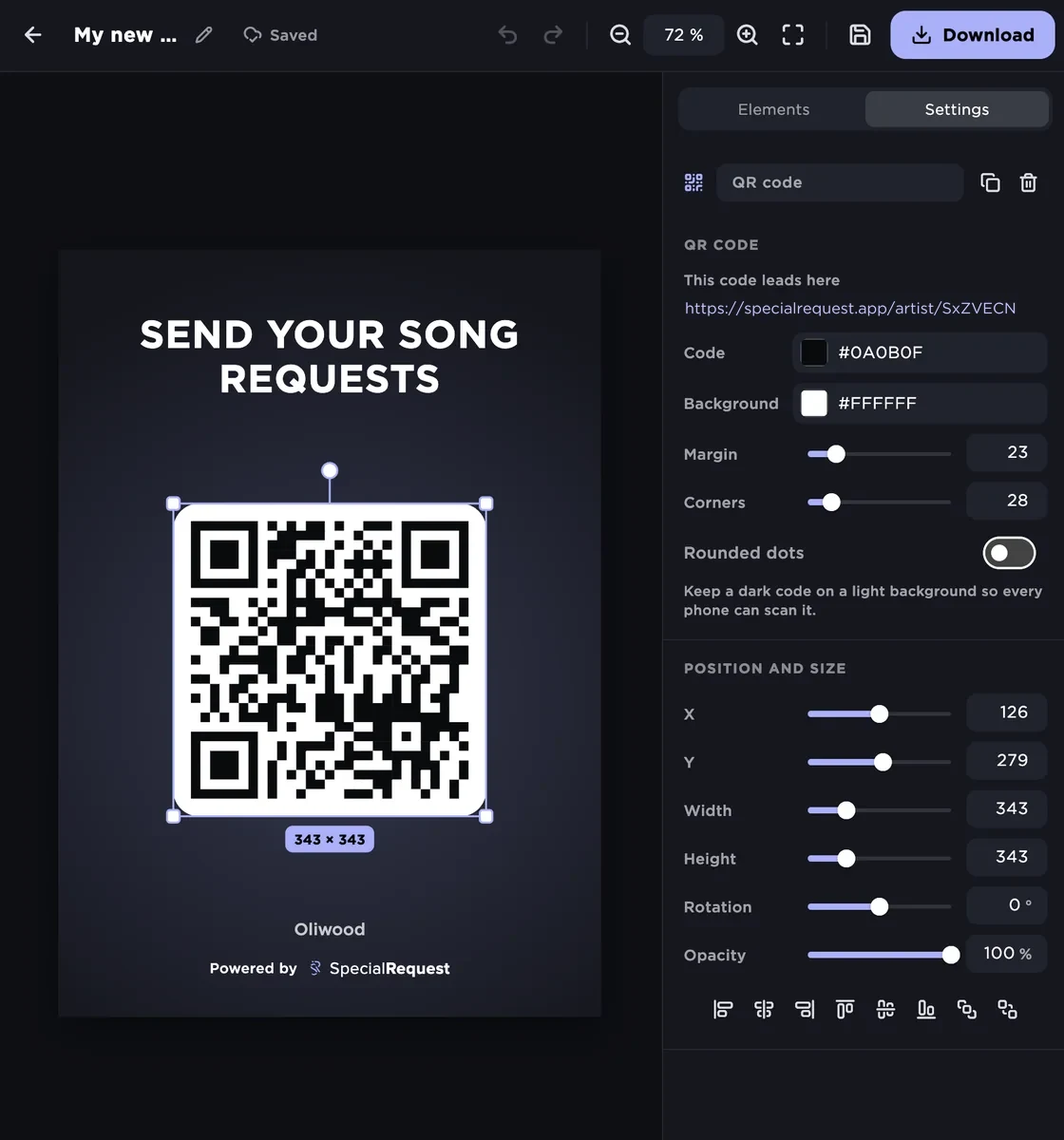
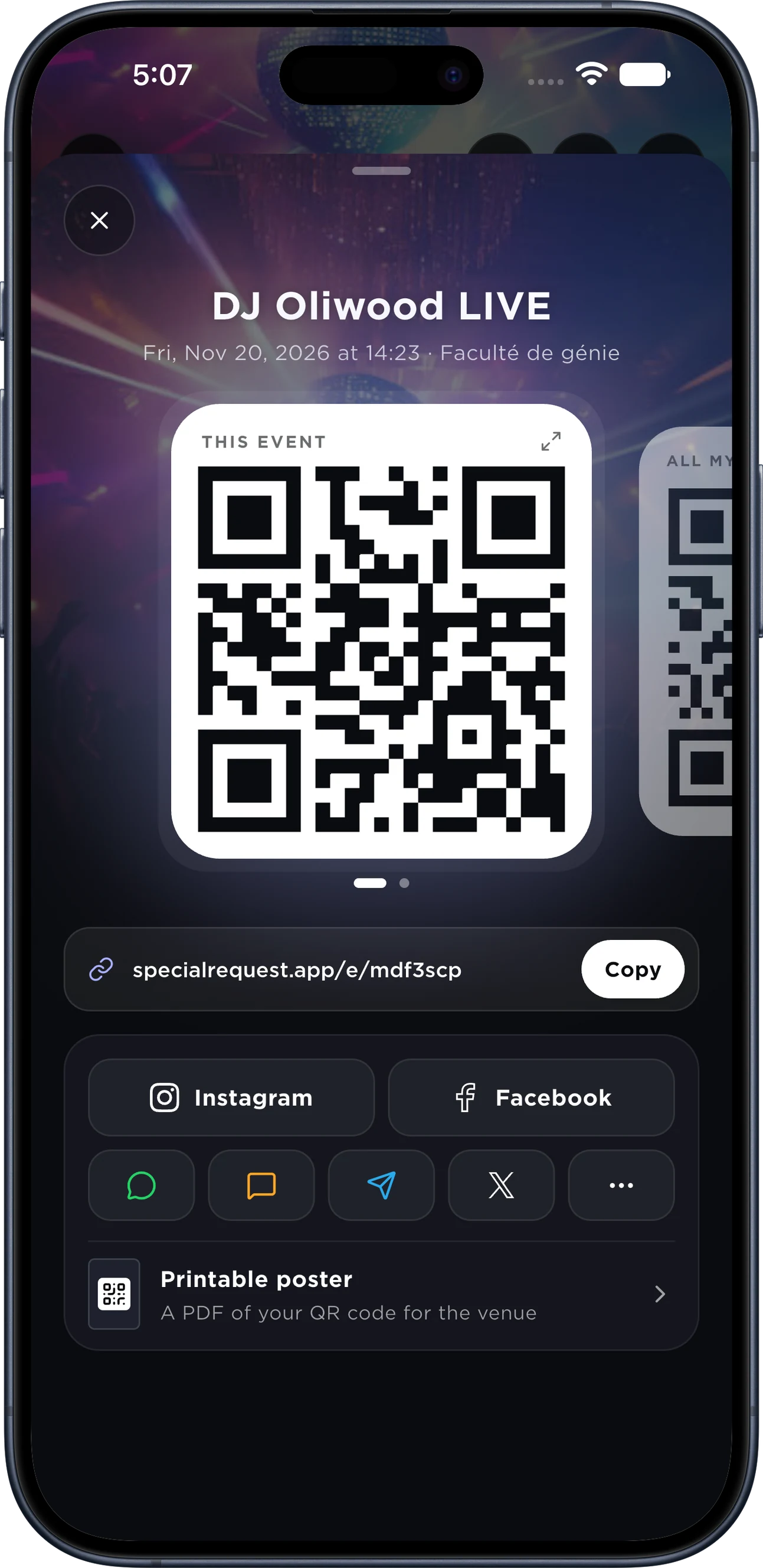
A QR code for every night, on the poster or the screen.
Share the event's link or show its QR code. Guests request from their phone, nothing to install. The poster is also fully customizable in the poster editor.
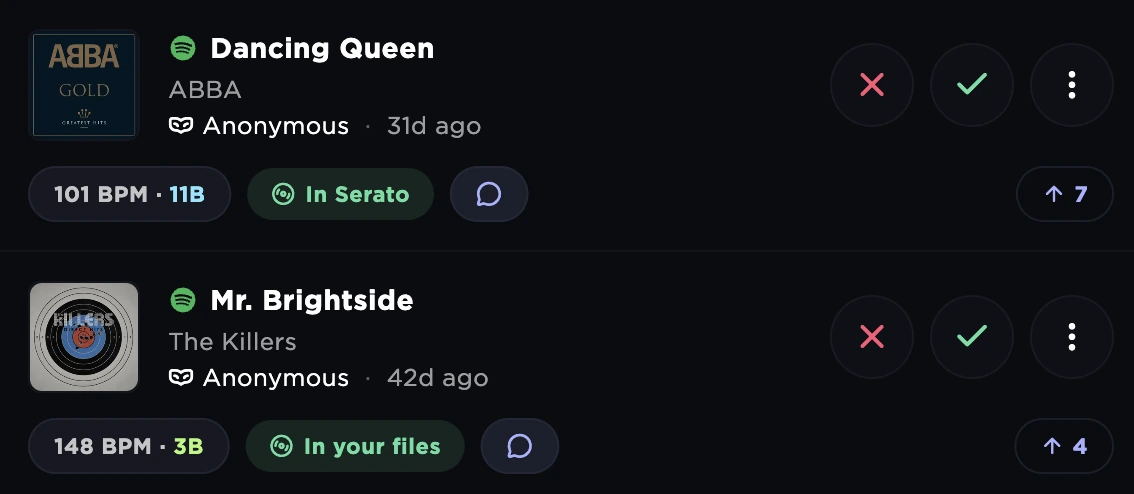
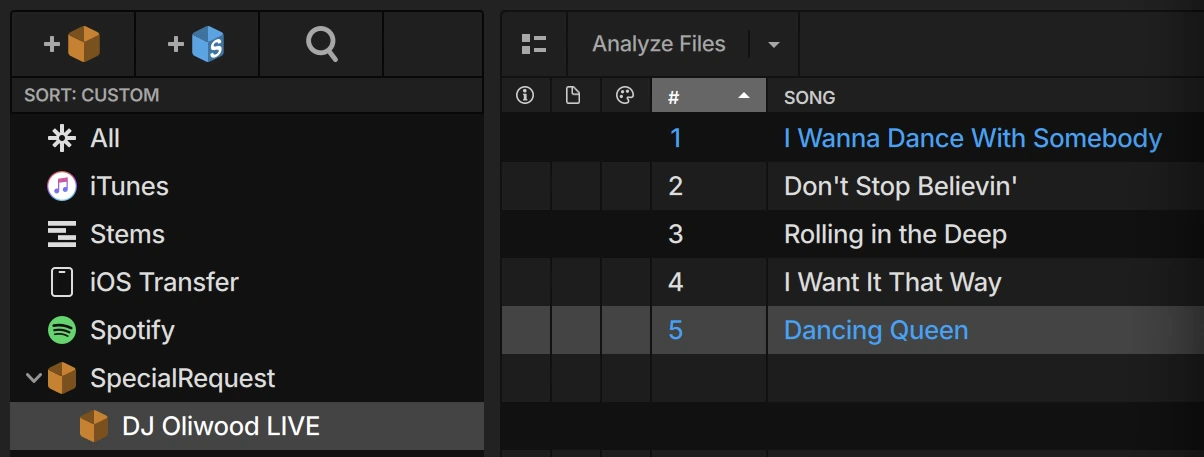
Your DJ software, in sync with your own files.
Connect Serato or rekordbox once in the desktop app, and SpecialRequest checks each request against the music files on your computer. When you own the song, drag it straight into any DJ software, or accept it and it lands in the event's crate or playlist.
SpecialRequest
Serato



Scan, request and vote right away.
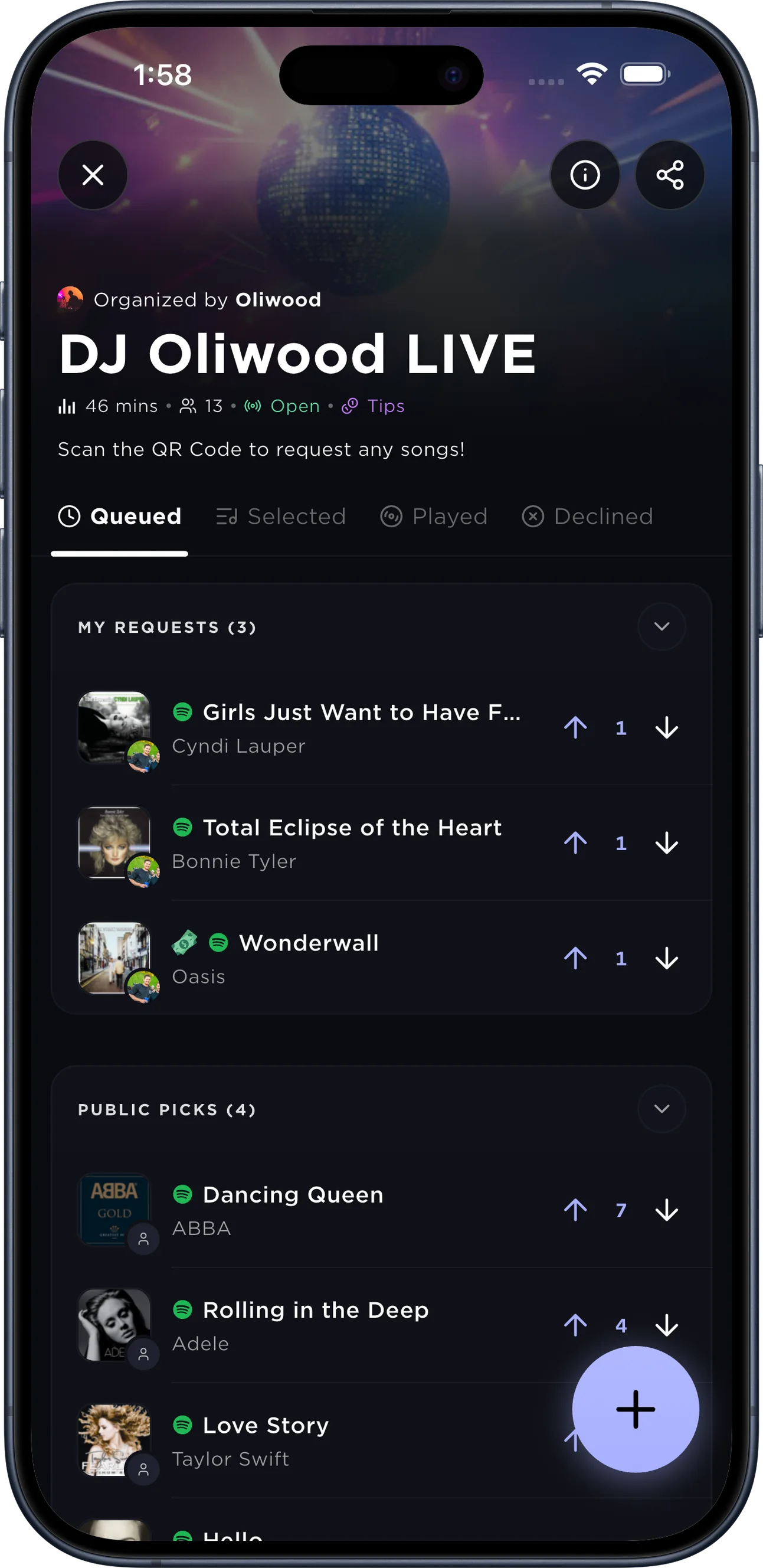
Guests scan the QR code to land on the event's page, right in their browser. They look up their song, follow the queue and vote for other requests. With the app, they keep their requests and get the notifications.
Requests and tips land live.
Guests request, vote and tip, and you see at once what the room is waiting for. One tap to accept, decline or drop the song into your set.
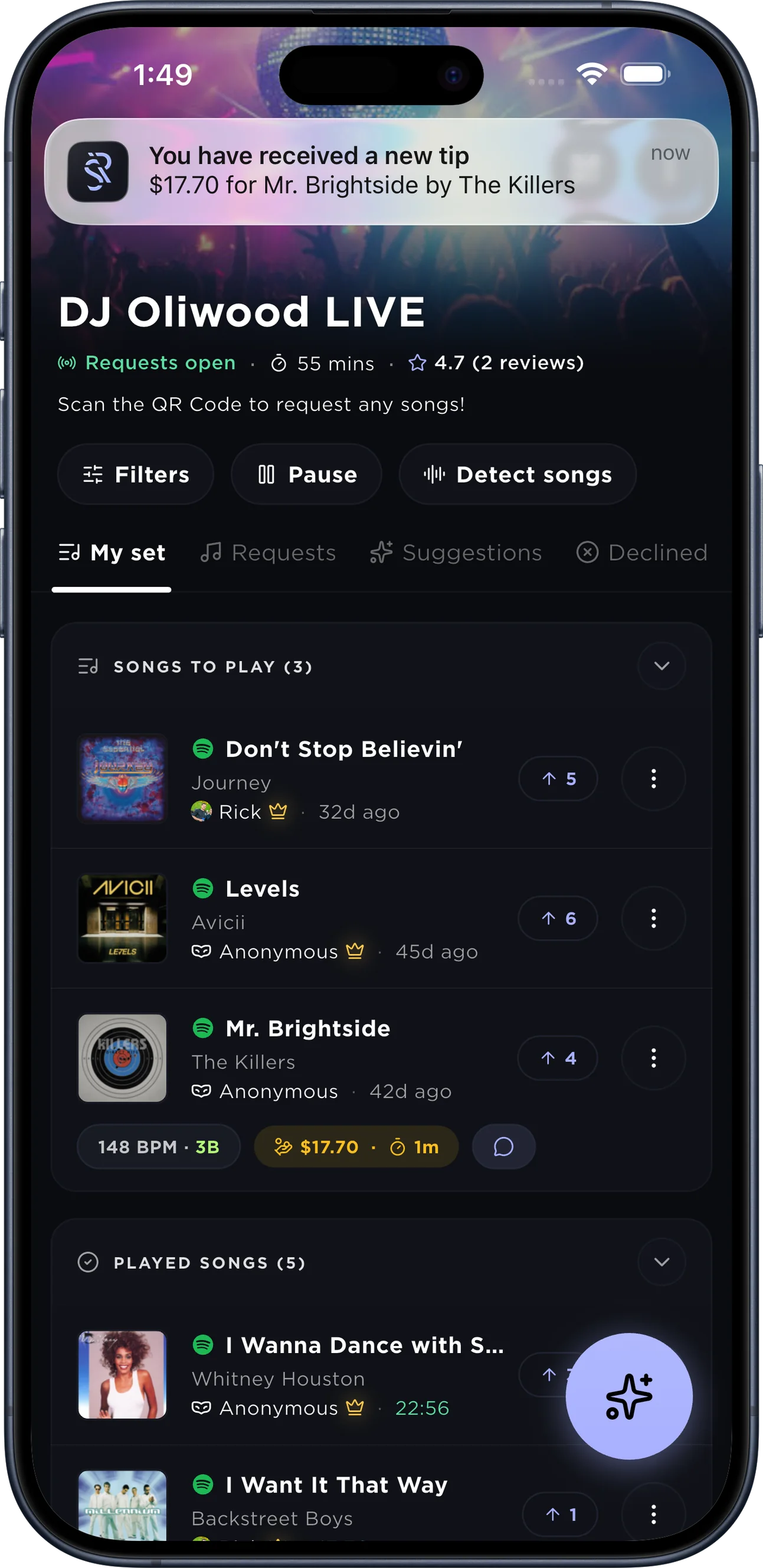
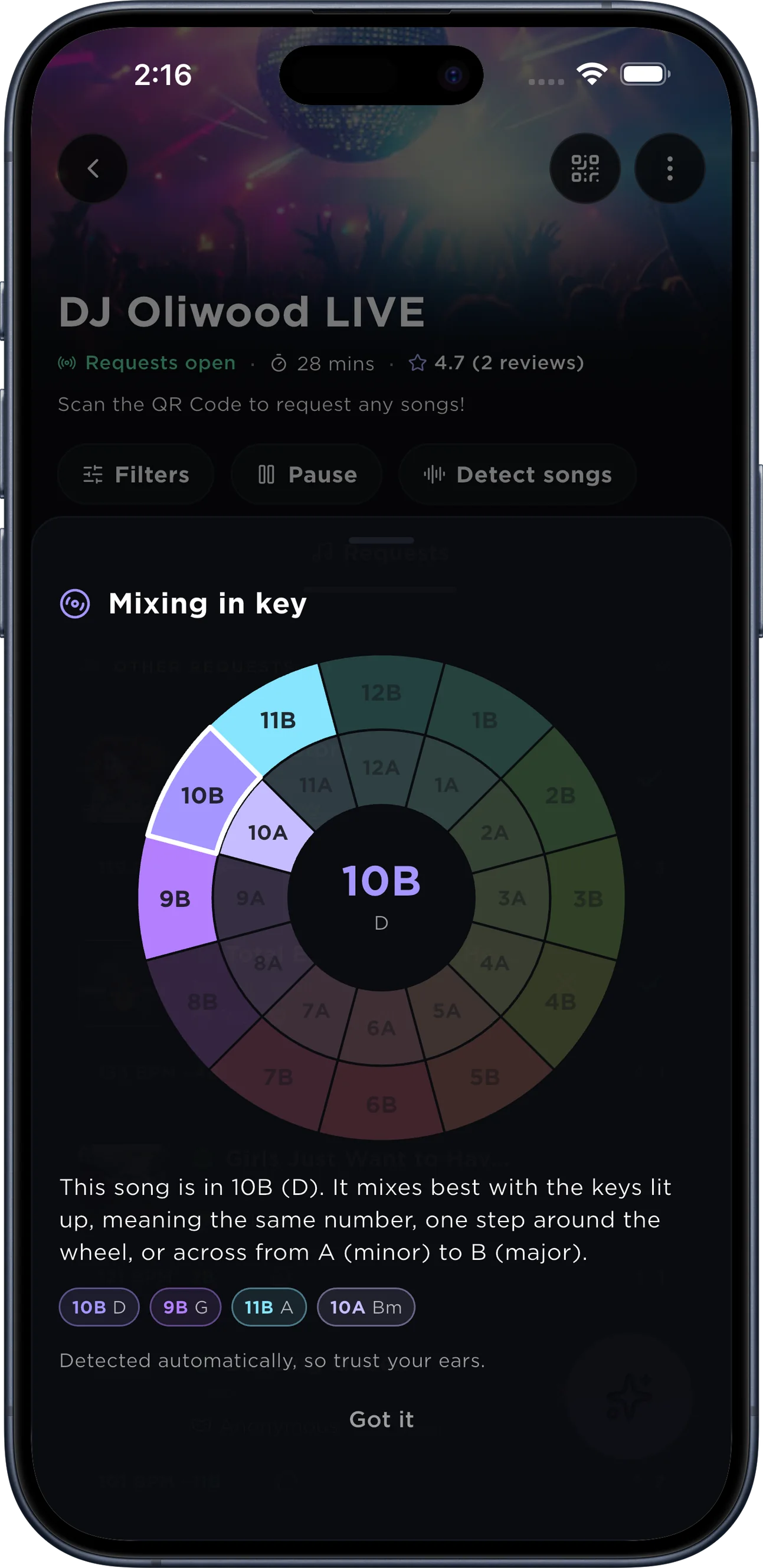
The BPM and key of every request.
Every request shows its BPM and key, so you pick the songs that match the one playing. Tap the key and the Camelot wheel lights up the ones that mix in.
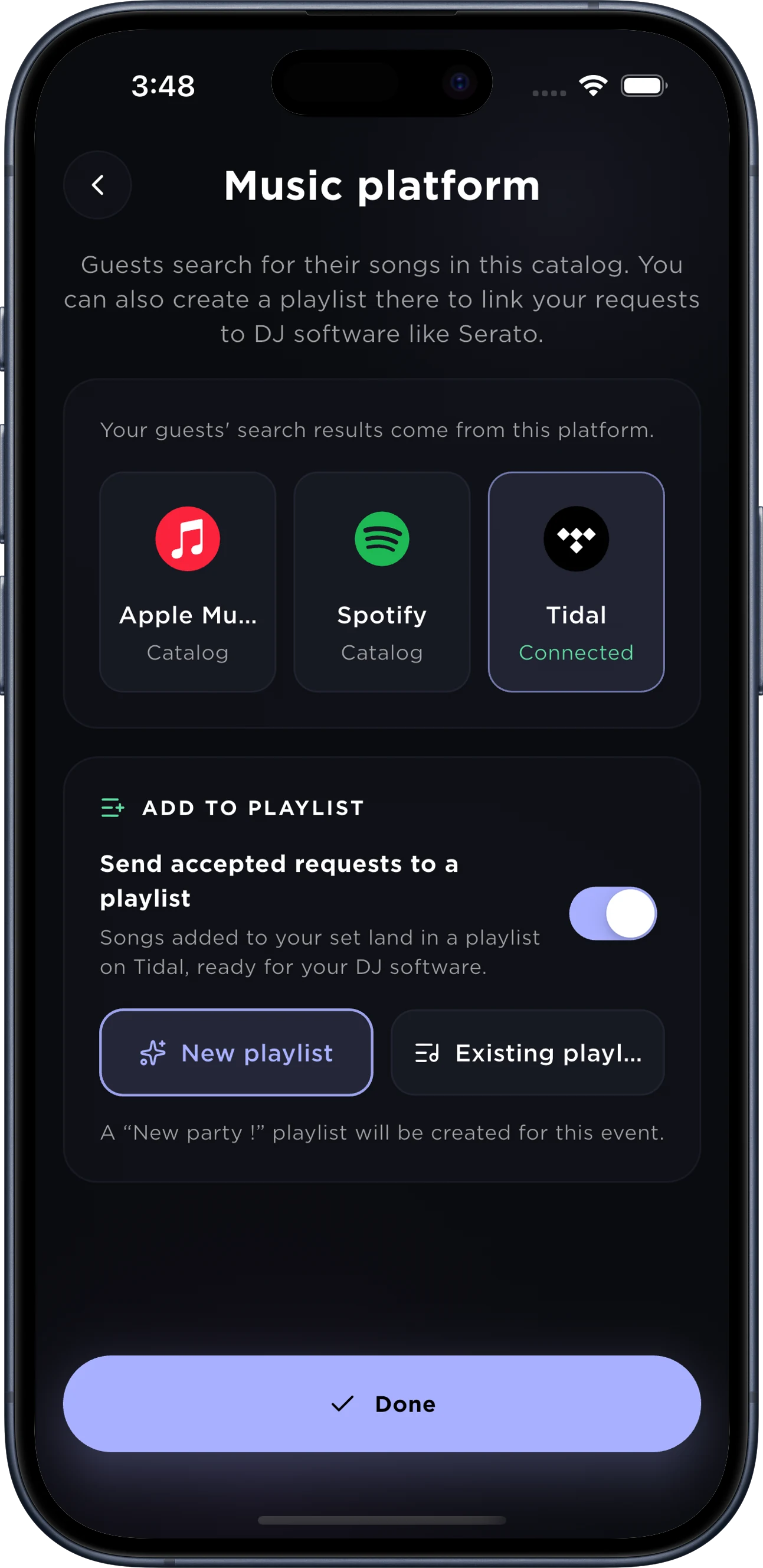
Your set, in a streaming playlist no copy-paste.
Connect your own TIDAL or Apple Music account and the songs you accept land in a playlist there, whether you mix from streaming, your own files or both. Serato, rekordbox, VirtualDJ, djay or any DJ software using streaming, signed in to the same account, sync it automatically.
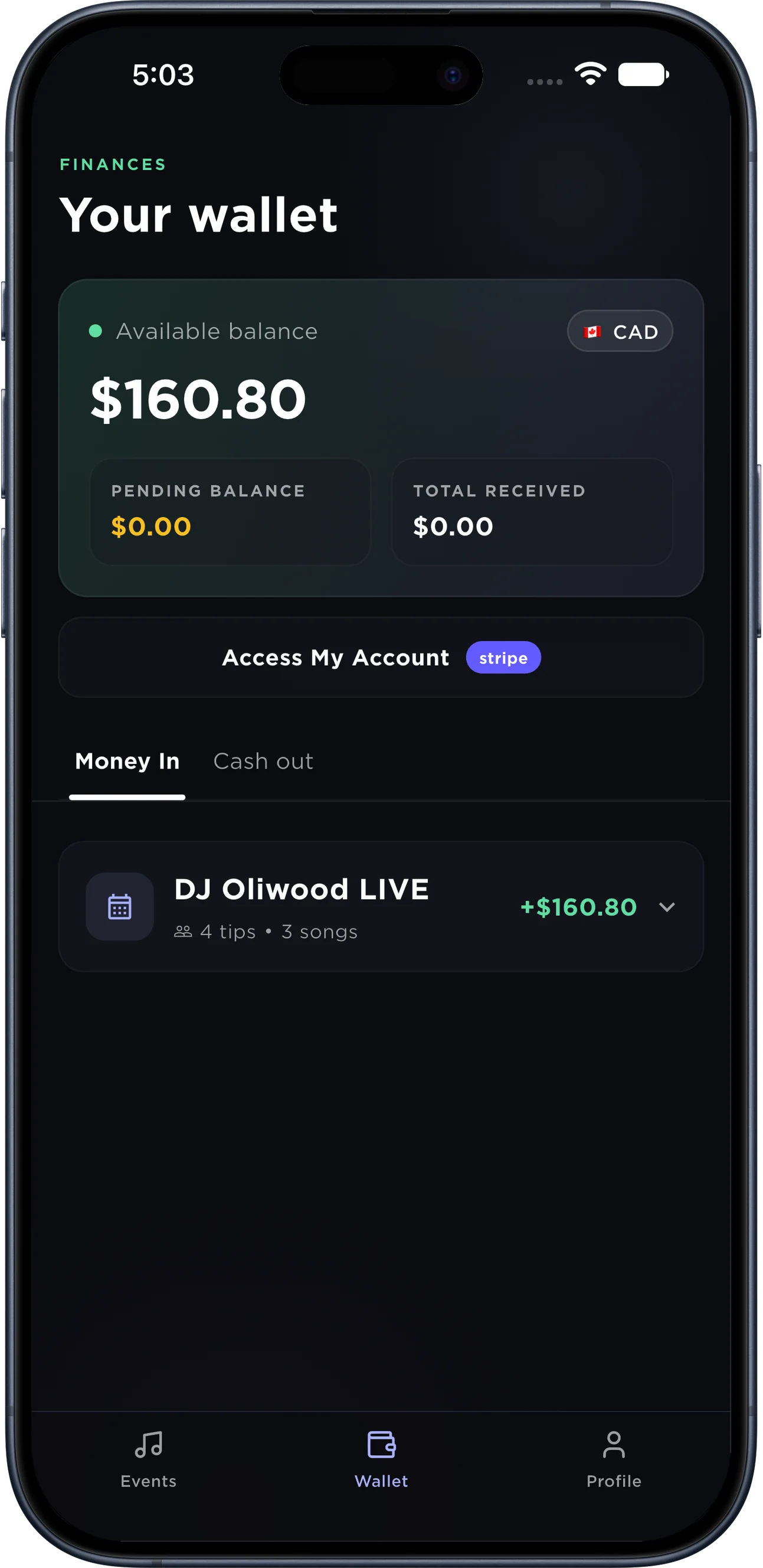
Your tips, paid into your account.
Every night has its total. The available balance goes to your bank account through Stripe; the rest comes in as the songs play.
Why DJs and artists choose SpecialRequest
Everything you need to take the room's requests without losing control of your set.
Instant requests
A request in seconds.
- No app needed
- Anonymous or signed in
- QR code and posters
- Public or private
- Requests in advance
- Dedications
Artist friendly
You stay in control of your set.
- Tips
- Payouts
- DJ software
- Song previews
- Chat with guests
- Live detection
- Advanced sorting
- Booking page
- Agenda
- Thank-you email
Crowd-powered
The room picks, you decide.
- Votes
- Spotify, Tidal, Apple Music
- Your playlist only
- Your suggestions
- Followers
- Audience reviews
- Overview
What does a DJ request app do?
It takes song requests off the booth and puts them on the guests' phones. They scan a code, look up their song and send it, and you see every request on your screen with its votes. You decide what plays.
Can the requests reach my DJ software?
With Premium, yes. The songs you accept can go to a playlist on Tidal or Apple Music, which Serato, rekordbox, VirtualDJ or djay can open. If you play your own files, the desktop app spots the requests you already own, and VirtualDJ users can receive them in Ask The DJ.
Do I have to play every request?
No. Each request waits for your answer, and one tap says yes or no. The same song can't come in twice, and with Premium you can tell the guest why you passed.
Can I use it on my phone and on my computer?
Yes. SpecialRequest runs on iPhone, iPad, Android, Mac and the web with the same account, so the requests you see on your phone are the ones on your computer.
How do I stop the list from overflowing?
Set how many songs each guest can send and a wait between two requests, both free. With Premium you can also put requests on hold for a set time with a note for your guests, or accept them only from people at the venue.
What does it cost?
Events, requests and votes are free, with as many guests as you like. Premium adds the link with your DJ software, each request's BPM and key, the booking page and more, by the month, by the year, or with a Season pass paid once.
Your next night starts here.
Download the app and redefine your expectations.
- iPhone and iPadApp Store
- AndroidGoogle Play
- MacMac App Store
- WindowsComing soonMicrosoft Store
- Web browserOpen the web app
Grab your phone
Its camera reads this code and opens the App Store or Google Play, whichever your phone uses.